Tamron Holiday Savings Announced


Tamron Lenses
Tamron 17-28mm f/2.8 Di III RXD FE Save $200:
B&H Photo /  Amazon / Adorama
Tamron 17-50mm f/4 Di III VXD Save $150:
B&H Photo / Amazon / Adorama
Tamron 18-300mm f/3.5-6.3 Di III-A VC VXD Save $100
B&H Photo / Amazon
Tamron 28-75mm f/2.8 Di III VXD G2 Save $200:
B&H Photo / Amazon / Adorama
Tamron 28-200mm f/2.8-5.6 Di III RXD Save $100
B&H Photo / Amazon
Tamron 35-150mm f/2-2.8 Di III VXD Save $100:
B&H Photo / Amazon / Adorama
Tamron 70-180mm f/2.8 Di III RXD FE G2 Save $100:
B&H Photo / Amazon / Adorama
Tamron 50-400mm f/4.5-6.3 Di III VC VXD Save $200
B&H Photo / Amazon
Tamron 150-500mm f/5-6.7 Di III VC VXD Save $200
B&H Photo / Amazon

Tamron 20mm F/2.8 Di III OSD M1:2 Save $50:
B&H Photo / Amazon / Adorama
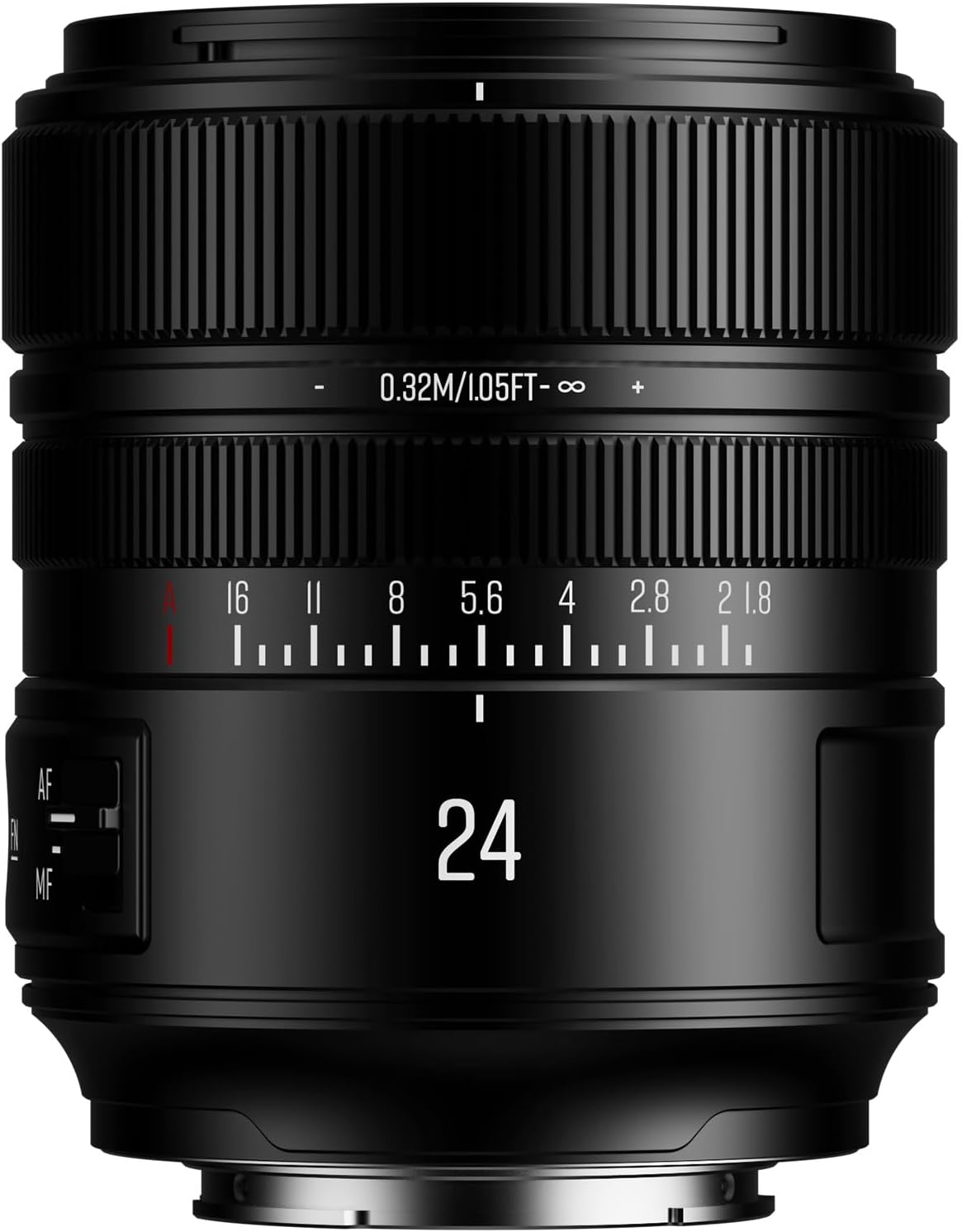
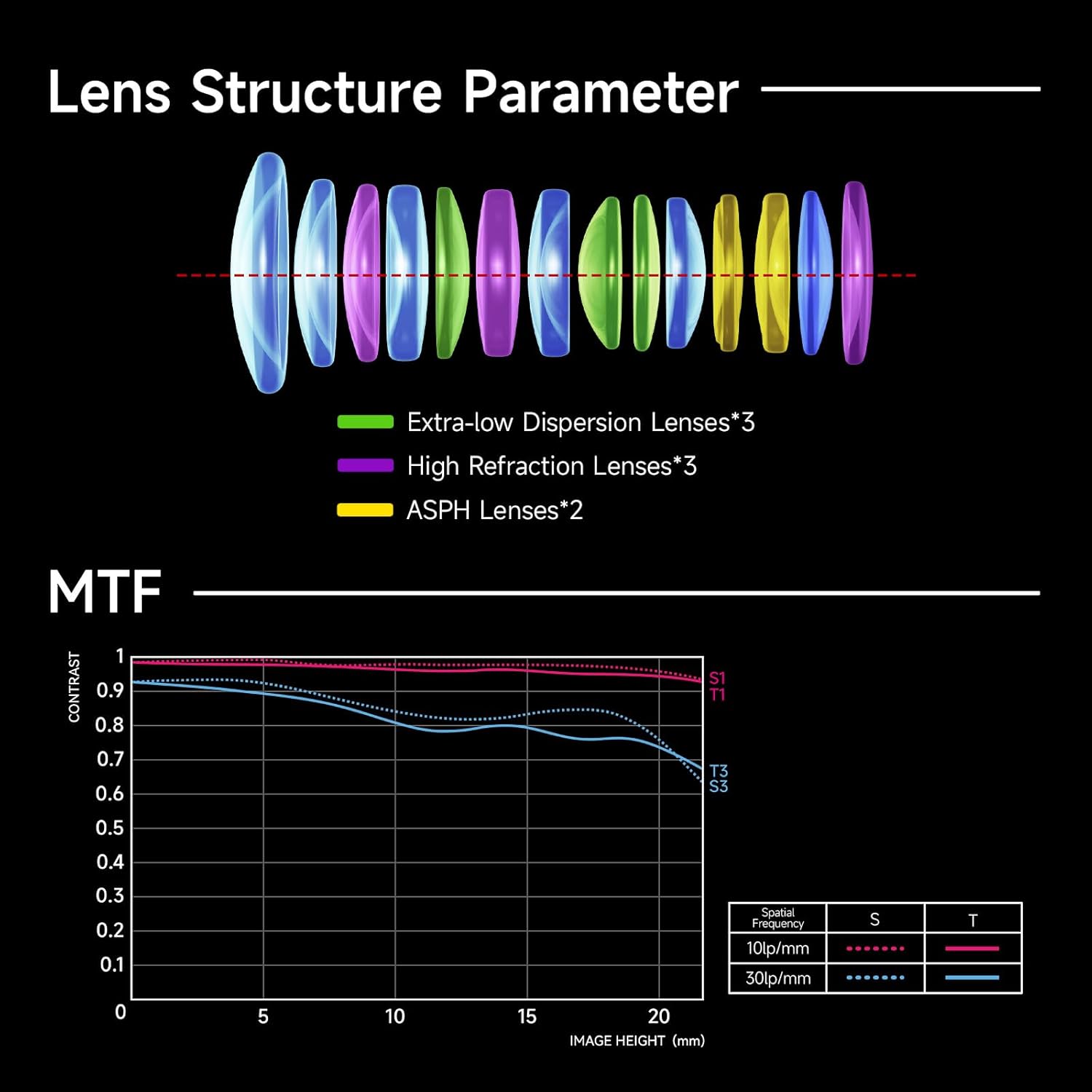
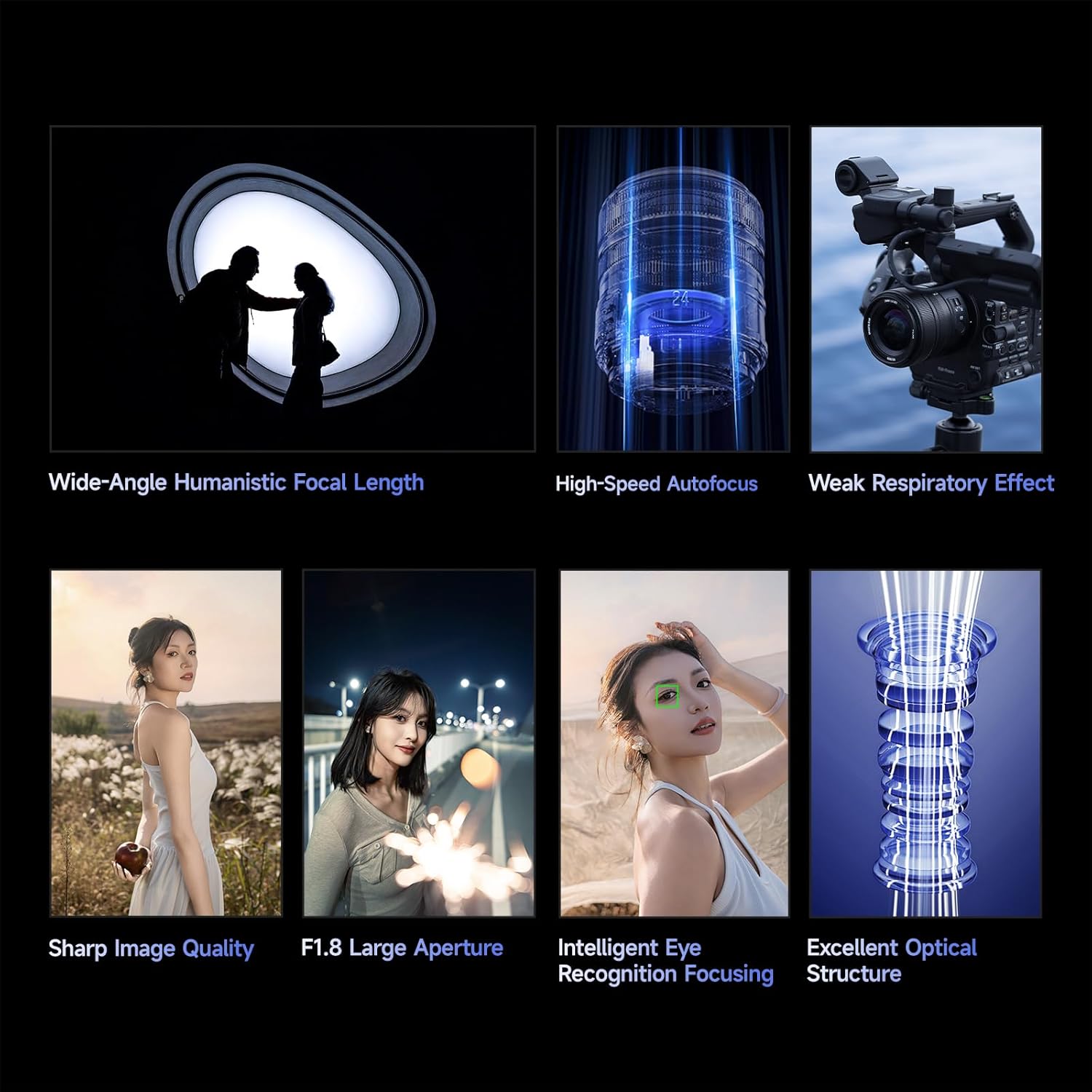
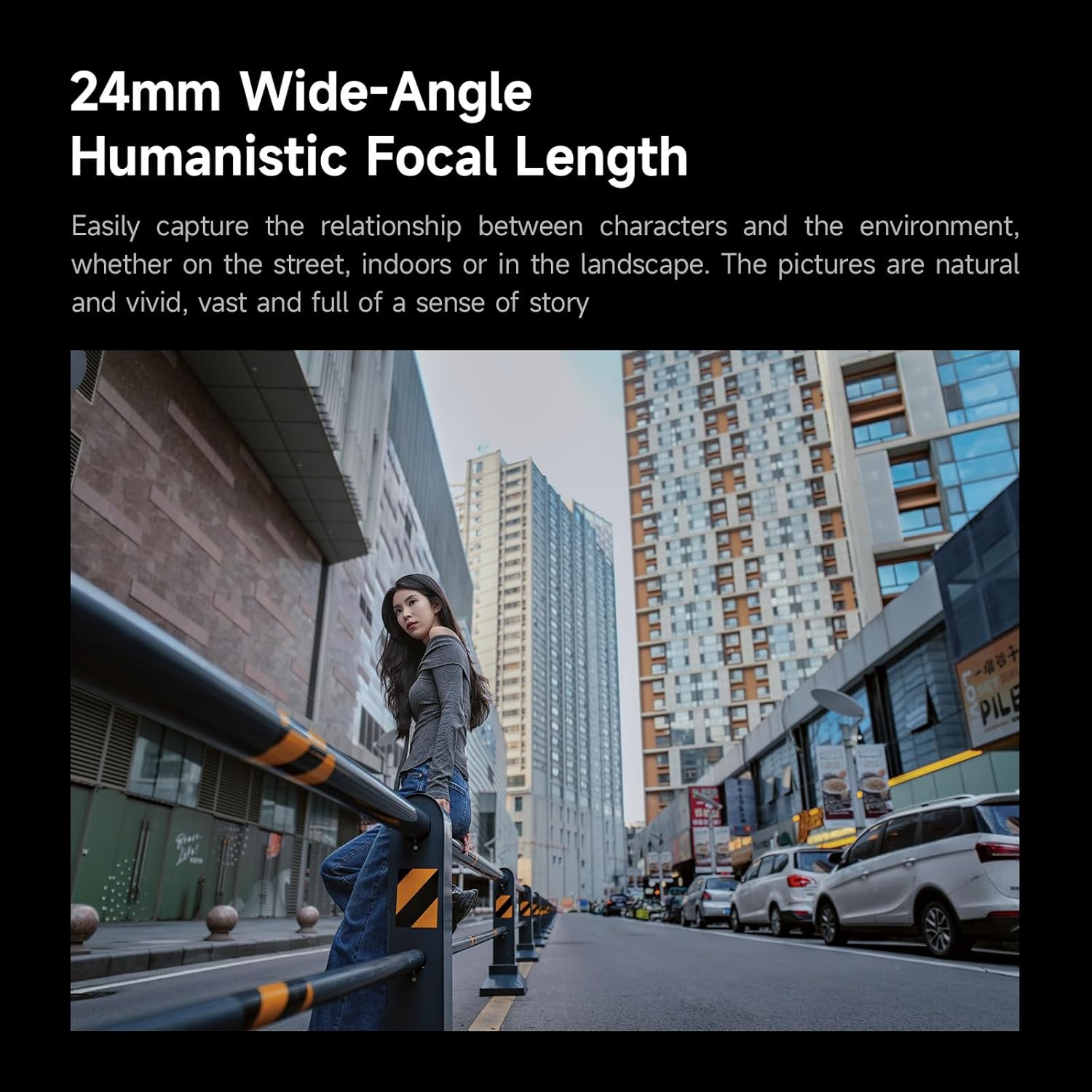
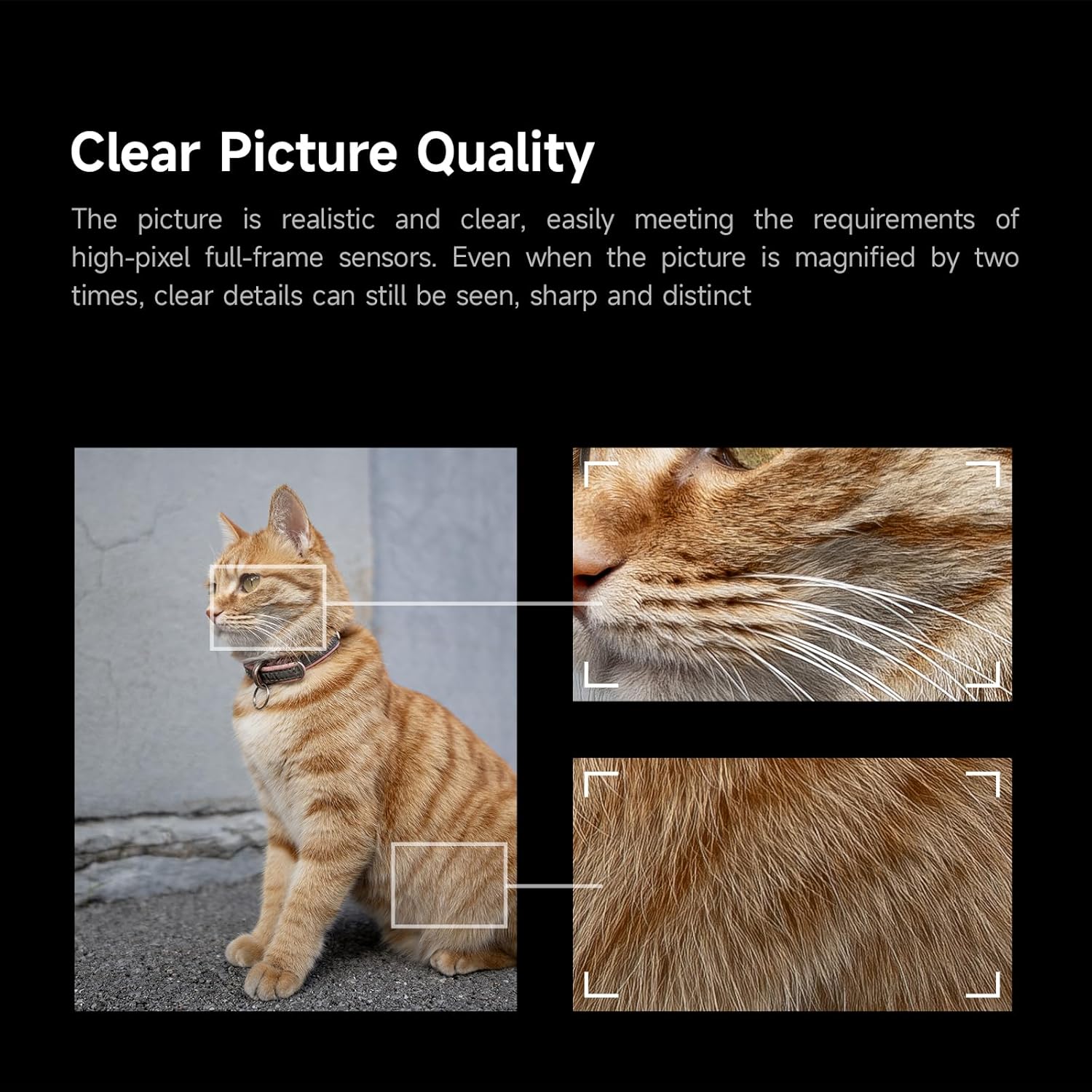
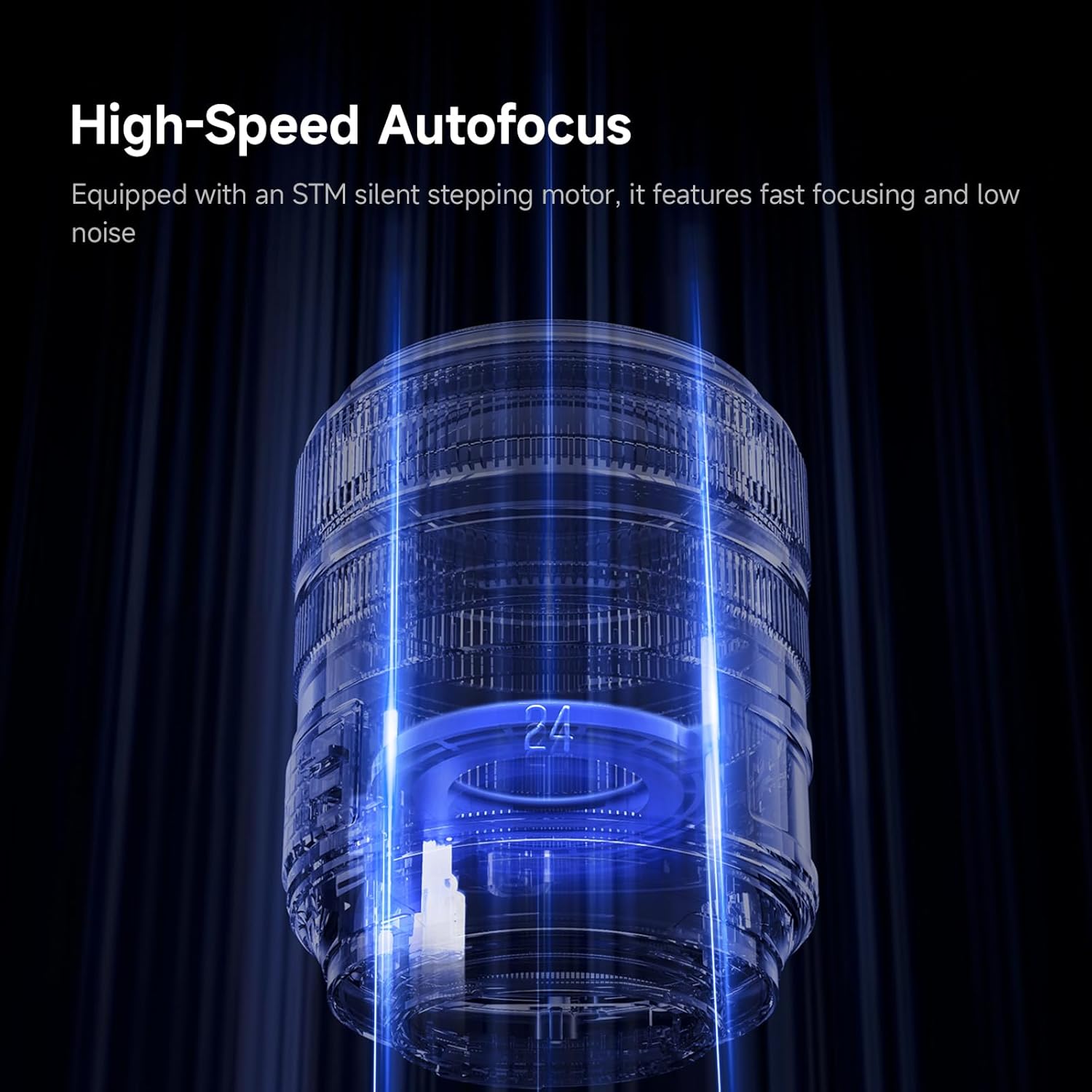
Tamron 24mm F/2.8 Di III OSD M1:2 Save $50:
B&H Photo / Amazon / Adorama
Tamron 35mm F/2.8 Di III OSD M1:2 Save $50:
B&H Photo / Amazon / Adorama

Follow SonyAddict on FacebookTwitterInstagram, and YouTube

Plus our owners’ groups
Sony a1 Owners Group
Sony a9 Owners Group
Sony a7 Owners Group

Posted in 3rd Party Lens, Deals| 36 Comments

New Sony Holiday Savings Announced


Sony A1 (Save $500 + $50 Cash Back):
B&H Photo / Amazon / Moment / Adorama
Sony a7RV (Save $900 + $50 Cash Back):
B&H Photo / Amazon / Moment / Adorama
Sony a7RIV (Save $700 + $50 Cash Back):
B&H Photo / Amazon / Adorama
Sony a7IV (Save $700 + $50 Cash Back):
B&H Photo / Amazon / Adorama
Sony a7CR (Save $200 + $50 Cash Back):
B&H Photo / Amazon / Moment / Adorama
Sony a7CII (Save $200 + $50 Cash Back):
B&H Photo / Amazon / Moment / Adorama
Sony a7SIII ($50 Cash Back):
B&H Photo / Amazon / Moment / Adorama
Sony a6700 (Save $100 + $50 Cash Back):
B&H Photo / Amazon / Adorama
Sony a6400 (Save $100)::
B&H Photo / Amazon / Adorama
Sony FX30 (Save $300 + $50 Cash Back):
B&H Photo / Amazon / Adorama
Sony ZV-E10II (Save $100):
B&H Photo / Amazon / Adorama
Sony ZV-E10 (Save $100):
B&H Photo / Amazon / Adorama
Sony ZV-1F (Save $100):
B&H Photo / Amazon / Adorama

Lenses
Sony FE 12-24mm f/2.8 GM Save $100:
B&H Photo / Amazon / Adorama
Sony 16-35mm f/4.0 PZ FE Save $100:
B&H Photo / Amazon / Adorama
Sony FE 24-70mm f/2.8 GM Save $200:
B&H Photo / Amazon / Adorama
Sony Zeiss Vario-Tessar T* FE 24-70mm f/4 ZA OSS Save $200:
B&H Photo / Amazon / Adorama
Sony 24-105mm f/4 Save $200:
B&H Photo / Amazon / Adorama
Sony FE 70-200mm f/2.8 Save $100:
B&H Photo / Amazon / Adorama
Sony FE 24-240mm f/3.5-6.3 OSS Save $100:
B&H Photo / Amazon / Adorama
Sony FE 70-300mm f/4.5-5.6 G OSS Save $100:
B&H Photo / Amazon / Adorama
Sony FE 100-400mm F4.5–5.6 GM OSS Save $100:
B&H Photo / Amazon / Adorama
Sony 200-600mm FE Save $100:
B&H Photo / Amazon / Adorama

Sony FE 14mm f/1.8 GM Save $100:
B&H Photo / Amazon / Adorama
Sony FE 20mm f/1.8 G Save $100:
B&H Photo / Amazon / Adorama
Sony 24mm f/1.4 GM Save $100:
B&H Photo / Amazon / Adorama
Sony FE 24mm f/2.8 G Save $50:
B&H Photo / Amazon / Adorama
Sony 35mm f/1.4 GM Save $100:
B&H Photo / Amazon / Adorama
Sony FE 35mm f/1.8 Save $100:
B&H Photo / Amazon / Adorama
Sony FE 40mm f/2.5 G Save $50:
B&H Photo / Amazon / Adorama
Sony FE 50mm f/1.2 GM Save $100:
B&H Photo / Amazon /Adorama
Sony Zeiss Sonnar T* FE 55mm f/1.8 Save $100:
B&H Photo / Amazon / Adorama
Sony FE 50mm f/2.5 G Save $50:
B&H Photo / Amazon / Adorama
Sony FE 85mm F1.8 Save $50:
B&H Photo / Amazon / Adorama

Sony E 11mm f/1.8 Save $50:
B&H Photo / Amazon / Adorama
Sony E 15mm F1.4 G Save $100:
B&H Photo / Amazon / Adorama
Sony E 16-55mm F2.8 G Save $100:
B&H Photo / Amazon / Adorama
Sony E 35mm f/1.8 OSS Save $50:
B&H Photo / Amazon / Adorama
Sony E 70-350mm f/4.5-6.3 G OSS Save $100:
B&H Photo / Amazon / Adorama

Sony E PZ 10-20mm F4.0 G OSS Save $100:
B&H Photo / Amazon / Adorama
Sony E PZ 18-105mm f/4 G OSS Save $100:
B&H Photo /Amazon/Adorama

Posted in Deals| 16 Comments

Sony Savings Sunday – Massive Sony a7RV and a7IV Savings


Sony a7IV Save $700:
B&H Photo / Amazon / Adorama
Sony a7RV Save $900
B&H Photo / Amazon / Moment / Adorama

Sony is offering big savings on two of its best cameras, the Sony a7RV and Sony a7IV. These prices are almost as good as we used to see before the tariffs rolled out.

Follow SonyAddict on FacebookTwitterInstagram, and YouTube

Plus, our owners’ groups
Sony a1 Owners Group
Sony a9 Owners Group
Sony a7 Owners Group

Posted in Deals| 10 Comments

New Tamron 28-70mm f/2 Patent Found With a More Compact and Refined Design


A new Patent was found for a Tamron 28-70mm f/2 zoom lens. Previously, there was a Tamron 28-70mm f/2 patent found here, but this one is a new one that is slightly different with a more refined and compact design, which you can check out below with a brief comparison between the two patents:

Tamron’s latest patent P2025163723, published October 30 2025, builds on the company’s earlier filing P2025131290 from September. The earlier application outlined a family of large-aperture zoom designs ranging from 28–70 mm F2 to 25–200 mm F2.8–5.6, describing a common optical framework that could scale to different focal lengths and brightness levels.

The new patent narrows that concept down to a single purpose-built 28–70 mm F2 lens, refining the optical layout to improve compactness and reduce focus-group mass while keeping the same high-speed performance. In other words, P2025163723 is a focused evolution of the multi-range design first revealed in P2025131290—an indication that Tamron may be fine-tuning this bright standard zoom for production.

overview

  • [Publication number] P2025163723
  • [Release date] 2025-10-30
  • [Title of Invention] Zoom lens and imaging device
  • [Application date] 2024-04-18
  • [Applicant]
    [Identification number] 000133227
    [Name or company name] Tamron Co., Ltd.
  • The present invention aims to provide a zoom lens that has a large aperture ratio yet allows the entire zoom lens to be made compact, and in which various aberrations are well corrected over the entire zoom range, and an imaging device equipped with the zoom lens.
  • [Background Art]
    [0002]
    Imaging devices using solid-state imaging elements, such as digital still cameras and digital video cameras, are widely used. Interchangeable-lens imaging devices, particularly single-lens reflex cameras and mirrorless cameras, allow users to capture images with various angles of view, brightness, depth of field, and other characteristics by simply changing lenses. In recent years, large-aperture lenses have become desirable for these interchangeable lenses, enabling them to take advantage of even greater brightness and blur. Conventional zoom lenses often have an F-number of around 2.8, even at their brightest. Those seeking a lens brighter than this often have no choice but to choose a prime lens. However, because prime lenses have a fixed focal length, they have drawbacks such as a limited capture range, the hassle of changing lenses to change to a different focal length, and the need to carry multiple lenses with different focal lengths. To solve these problems and improve convenience, large-aperture zoom lenses are desirable.
  • [0003]
    Furthermore, with the increasing popularity of compact mirrorless single-lens cameras that do not have mirrors or optical viewfinders, there is a demand for compact cameras as well as compact lenses. However, when attempting to realize a zoom lens with a large aperture ratio, the lens diameter and aperture diameter become large, and the overall length of the zoom lens also becomes long. Furthermore, the drive mechanism and other components also become large, which results in a problem of the overall size of the lens unit, including the lens barrel.
  • [0004]
    To achieve a compact zoom lens, it is necessary to reduce the aperture diameter, the diameter of the lens closest to the object, and the diameter of the lens closest to the image, as well as the overall length of the zoom lens. In addition, to achieve a compact lens unit, including the lens barrel, it is desirable to embed the focus drive mechanism, aperture unit, and various mechanical components in a location within the entire lens unit, including the lens barrel, where the optical system has a small diameter. Therefore, it is necessary to provide an area in which lenses with small outer diameters are located. Furthermore, if the focus group is heavy, a drive mechanism with a large drive force is required, making it difficult to achieve a compact lens unit, including the lens barrel. Therefore, it is also necessary to reduce the size of the focus group.
  • [0007]
    Here, Patent Documents 1 and 2 are known as examples of positive-lead zoom lenses with a large aperture ratio and an F-number of about 2.0. Patent Document 1 proposes, for example, in Example 1, a zoom lens with a large aperture ratio and an F-number of 2.06, which is composed of, in order from the object side, a first lens group having positive refractive power, a second lens group having negative refractive power, a third lens group having positive refractive power, and a fourth lens group having positive refractive power. Patent Document 2 also proposes, for example, in Example 1, a zoom lens with a large aperture ratio and an F-number of 2.06, which is composed of, in order from the object side, a first lens group having positive refractive power, a second lens group having negative refractive power, a third lens group having positive refractive power, a fourth lens group having positive refractive power, and a fifth lens group having negative refractive power.
  • [0009]
    However, in the zoom lens of Patent Document 1, although the image-side lens in the second lens group has a relatively small outer diameter, lenses with high axial ray heights and large outer diameters are arranged consecutively from the third lens group to the fourth lens group toward the object side. As a result, it becomes difficult to secure space for arranging the focus drive mechanism, aperture unit, and various mechanical components in a small-diameter position within the entire lens unit, including the lens barrel, resulting in a problem of the entire lens unit, including the lens barrel, becoming large. Furthermore, the second lens group, which is the focus group, has a large number of lenses (five lenses), which makes the focus group heavy, requiring a drive mechanism with a large drive force, resulting in a problem of the entire lens unit, including the lens barrel, becoming large.
  • [0011]
    The present invention has been made in view of the above circumstances, and aims to solve the above-mentioned problems and to provide a zoom lens that allows the entire zoom lens to be miniaturized while maintaining a large aperture ratio, and in which various aberrations are well corrected throughout the entire zoom range, as well as an imaging device equipped with the zoom lens.


Example 1

  • Focal length: 28.85-67.90
  • F-number: 2.06
  • Angle of view: 74.9-33.8
  • Image height:
  • full length:
  • Back Focus:

via asobinet


Posted in 3rd Party Lens, Patents| Tagged , , | 24 Comments

Sony Electronics Launches Industry First(i) Video-Compatible Camera Authenticity Solution For News Organizations and Broadcasters


Sony Electronics Launches Industry First(i) Video-Compatible Camera Authenticity Solution for News Organizations and Broadcasters
Current Support for Five Cameras with Expansion to Four More Models by 2026

Sony Electronics is furthering its commitment to authenticity in video content by extending its verification technology to a broader lineup of cameras. This initiative marks the next significant step in providing news organizations with the industry’s first camera authenticity solution compatible with video (C2PA[i] standard-compliant), starting October 30.

As generative AI continues to evolve, concerns are growing about the impact of tampered and fake images spreading widely. For news organizations and broadcasters in particular, the importance of providing accurate and reliable information has increased. To address this challenge, Sony has been providing camera authenticity solutions.

In response to growing demand for authenticity support, Sony has advanced its technology development to enable news organizations and broadcasters to verify the authenticity of video and image content, supporting the work of photojournalists, video journalists and photographers. Through initiatives and verification experiments[ii], Sony has validated the authenticity of video content in collaboration with the Research & Development Department of the UK’s public broadcaster BBC. In addition, the company works closely with the C2PA (The Coalition for Content Provenance and Authenticity), a standards organization that develops open standards and technical specifications for the provenance and authenticity of digital content, serving as a Steering Committee Member since March 2022.

Sony’s camera authenticity solution verification site enables authenticity verification for both still images and videos, confirming that content was captured by a Sony camera rather than AI-generated. The system can also detect 3D depth information in video content, enabling highly accurate verification that videos were captured of actual, existing subjects[iii]. Additionally, a trim function that allows extraction and verification of only necessary portions while maintaining signatures enables rapid authenticity verification even for large-capacity video files. As use of the verification site requires a digital signature license and installation of the digital signature license on Sony-compatible cameras, Sony will also begin providing digital signature licenses for video[iv].

In Sony’s cloud-based collaboration solution for video production, Ci Media Cloud, the display of C2PA standard-compliant digital signature information that certifies content authenticity will become available for news organizations and broadcasters.

[Sony Cameras Supporting Recording of Authenticity Information for Video]
Interchangeable-Lens Cameras: Alpha 1 II, Alpha 9 III

Cinema Line Cameras: FX3, FX30

(NEWLY Launched) XDCAM Memory Camcorder: PXW-Z300iv

* Interchangeable-Lens Cameras Alpha 7R V, Alpha 7 IV, Alpha 1: scheduled to be supported from after November 2025 or later* Interchangeable-Lens Cameras Alpha7S III: Support planned from 2026 onwards

■For details on the camera authenticity solution including still images, please visit:

Camera Authenticity Solution | Sony

Exclusive stories and exciting new content shot with Sony’s imaging products can be found at www.alphauniverse.com, a site created to inform, educate, and inspire content creators.

[i] C2PA (The Coalition for Content Provenance and Authenticity) is a standards organization that develops open standards and technical specifications for the provenance and authenticity of digital content. Sony supports the objectives of C2PA and has participated as a Steering Committee Member since March 2022.

[ii] September 8, 2025, Sony Europe announcement:

“BBC Research & Development and Sony collaborate to raise awareness on the risks of synthetic content and establish C2PA compliant standards for digital provenance”

https://www.sony.eu/presscentre/bbc-research–development-and-sony-collaborate-to-raise-awareness-on-the-risks-of-synthetic-content-and-establish-c2pa-compliant-standards-for-digital-provenance

[iii] The XDCAM Memory Camcorder PXW-Z300 does not support 3D depth information detection.

[iv] Same as still image licenses, this is a one-year limited-term license. In addition to individual sales of still image and video licenses, package sales combining both licenses will also be available.

Posted in Press releases| 29 Comments

Sony a9III and Sony a1II Firmware 4.00 Updates Release


Sony a9III:
B&H Photo / Amazon / Adorama
Sony a1 II:
B&H Photo / Amazon / Adorama

ILCE-9M3 Firmware 4.00 Benefits and Improvements Download Here

Benefits and Improvements

  • Adds support for Real-time Recognition AF+ with improved subject detection and tracking capabilities
  • Allows you to set Recognition Target to Auto, enabling the camera to automatically select subjects such as humans and animals
  • Adapts the display layout of shooting information for both horizontal and vertical viewing
  • Adds support for the Preset Focus function with lenses that do not have power zoom, including Sony’s manual zoom E-mount lenses
    • The registered positions of preset focus/zoom are incompatible before and after the camera software update. Please re-register the preset focus/zoom after the update.
    • Some zoom lenses without power zoom are not supported. For more details, please visit the following link: https://support.d-imaging.sony.co.jp/www/cscs/lens_body/
  • Adds FL2 (Film 2) and FL3 (Film 3) to the Creative Look options
  • Allows you to select whether to change the Shooting ModeDrive Mode, and Focus Mode using the dial or through the menu
  • Improves the metering accuracy when using bounce flash
  • Optimizes the battery level display
  • Allows simultaneous Delete and Rating of images recorded on both Memory Card Slot 1 and Slot 2
  • Allows the display of folder names and file names during playback
  • Allows you to cancel the scheduled transfer of selected images during FTP transfer
  • Adds support for the following Transfer & Tagging settings:
    • A setting to automatically schedule FTP transfer of protected still images from FTP Import
    • A setting to automatically schedule FTP transfer of protected still images and videos from FTP Upload Preset
    • A setting to automatically protect still images transferred via FTP from FTP Upload Preset
      • The latest version of the Transfer & Tagging app is necessary.
        The Transfer & Tagging setting may not be available in some countries or regions.
  • Supports the following Monitor & Control app functions:
    • Focus map display
    • IRIS operation bar display
      • The latest version of the Monitor & Control app is necessary.
        The Monitor & Control app may not be available in some countries or regions.
  • Supports the Write Digital Signature function for movies as part of Sony’s Camera Authenticity Solution
    • The timing for the provision of licenses (paid) to customers other than certain media outlets is yet to be determined.
    • Services may not be available in some countries or regions. For more information, please visit the Authenticity Catalog Page.
  • Supports Scan and TagPhoto Cropping, and Volume Photography Commands under the Volume Photography License
    • Installation of a paid license is required for use.
    • Services may not be available in some countries or regions.
  • No longer supports WPA and WEP functionalities. You will no longer be able to select WPA or WEP when connecting to Wi-Fi. Please use the more secure WPA2 or WPA3 security setting moving forward
  • Improves the operational stability of the camera

Notes:

  • If you are using the Camera Remote SDK (Software Development Kit), please check the Camera Remote SDK website for a list of supported devices, download instructions, and FAQs.
    • The Camera Remote SDK may be unavailable in some countries or regions.
  • Please refer to the Help Guide for details on all updated functions.

ILCE-1M2 Firmware 4.00 Benefits and Improvements Download Here

Benefits and Improvements

  • Adds support for Real-time Recognition AF+ with improved subject detection and tracking capabilities
  • Adds support for the Preset Focus function with lenses that do not have power zoom, including Sony’s manual zoom E-mount lenses
    • The registered positions of preset focus/zoom are incompatible before and after the camera software update. Please re-register the preset focus/zoom after the update.
    • Some zoom lenses without power zoom are not supported. For more details, please visit the following link: https://support.d-imaging.sony.co.jp/www/cscs/lens_body/
  • Adds FL2 (Film 2) and FL3 (Film 3) to the Creative Look options
  • Improves the metering accuracy when using bounce flash
  • Optimizes the battery level display
  • Supports the Write Digital Signature function for movies as part of Sony’s Camera Authenticity Solution
    • The timing for the provision of licenses (paid) to customers other than certain media outlets is yet to be determined.
    • Services may not be available in some countries or regions. For more information, please visit the Authenticity Catalog Page.
  • Improves the operational stability of the camera

Notes:

  • If you are using the Camera Remote SDK (Software Development Kit), please check the Camera Remote SDK website for a list of supported devices, download instructions, and FAQs.
    • The Camera Remote SDK may be unavailable in some countries or regions.
  • Please refer to the Help Guide for details on all updated functions.

File Info

  • Name: BODYDATA.DAT
  • Version: 4.00
  • Size: 1 194 332 648 bytes
  • Release Date: 10-30-2025

Preparation

Check the System Software Version

Follow the instructions below to check the system software version.

  1. Select Menu → Setup → Setup Option → Version → Body.
  2. The system software version will be displayed.

Notes:

  • If the system software version is Ver. 4.00, the update is not required.
  • If the Date/Time setting screen appears when you turn on your camera, be sure to set the date and/or time to the correct values.

Saving the System Software Data to a Memory Card

IMPORTANT: Make sure there is only one BODYDATA.DAT file on the memory card.

  1. Click the Download button.
  2. After reading the disclaimer, click Download.
  3. Save the file to your computer.
  4. Insert the formatted memory card into the computer.
  5. Save the BODYDATA.DAT file in the root directory of the memory card. Do not change the file name.

Notes:

  • Please format the memory card in advance using this camera.
  • Before formatting, copy the data to a computer or other device.
    Once you format the memory card, all the data recorded on the memory card will be deleted and cannot be restored.
  • Please refer to the instruction manual of the camera for compatible memory cards.

Other Hardware

  • Power source for the camera: Use a fully charged rechargeable battery pack (NP-FZ100).
    Note: The update can only be performed when the battery power level is 51% or more. We recommend you use a fully charged battery.
  • Detach the vertical grip from the camera before updating the system software.

Updating the System Software Version

Important Notice

  • Use a fully charged rechargeable battery pack (NP-FZ100).
  • Do not remove the battery during the update as the sudden loss of power may render the camera inoperable.
  • It may not be possible to update if the camera temperature is high. Please wait to update until after the temperature drops.

Step 1: Update the System Software

  1. Insert the memory card that contains the saved system software data into slot 1 of the camera. Only slot 1 will recognize the system software data.
  2. Select Menu → Setup → Setup Option → Version → Body.
  3. Select Software Update.
  4. Select Execute on the system software update confirmation screen. The software version update will start.

    On-screen message:

    • Update? X.XX → Y.YY
      • X.XX: Current version number
      • Y.YY: Newest version number

    Notes:

    • Do not remove the battery or memory card during the update.
    • After confirming the details, you may click Execute.
    • Please scroll down the screen as necessary to view the full text.
  5. When the system software update starts, a black screen will appear and the access lamp will flash 1 time → 3 times → 5 times depending on the progress of the update. The update will take approximately 6 minutes to complete.
    Location of the Access lamp: It's on the bottom right of Rear side.
    Notes:

    • If the system software data copy is incorrect, the message “The target model for the update file is incorrect” will be displayed on the camera monitor.
    • If the access lamp repeats 5 long blinks (0.5-second cycle) and 6 short blinks (0.25-second cycle), or 7 long blinks (0.5-second cycle) and 7 short blinks (0.25-second cycle), the system software may have been incorrectly copied to the memory card.
      • In this case, remove the battery and memory card from the camera, prepare another memory card, and then start over from the Saving the System Software Data to a Memory Card section of this article.
  6. When the update is complete, the camera will automatically restart. After restarting, when the Body update complete screen appears, press OK.

Step 2: Confirm the System Software Version of Your Camera

    1. Select Menu → Setup → Setup Option → Version → Body.
    2. The system software version will be displayed.

Follow SonyAddict on FacebookTwitterInstagram, and YouTube

Plus our owners’ groups
Sony a1 Owners Group
Sony a9 Owners Group
Sony a7 Owners Group

Posted in Firmware updates, Sony A1, Sony a9III| Tagged , | 23 Comments