


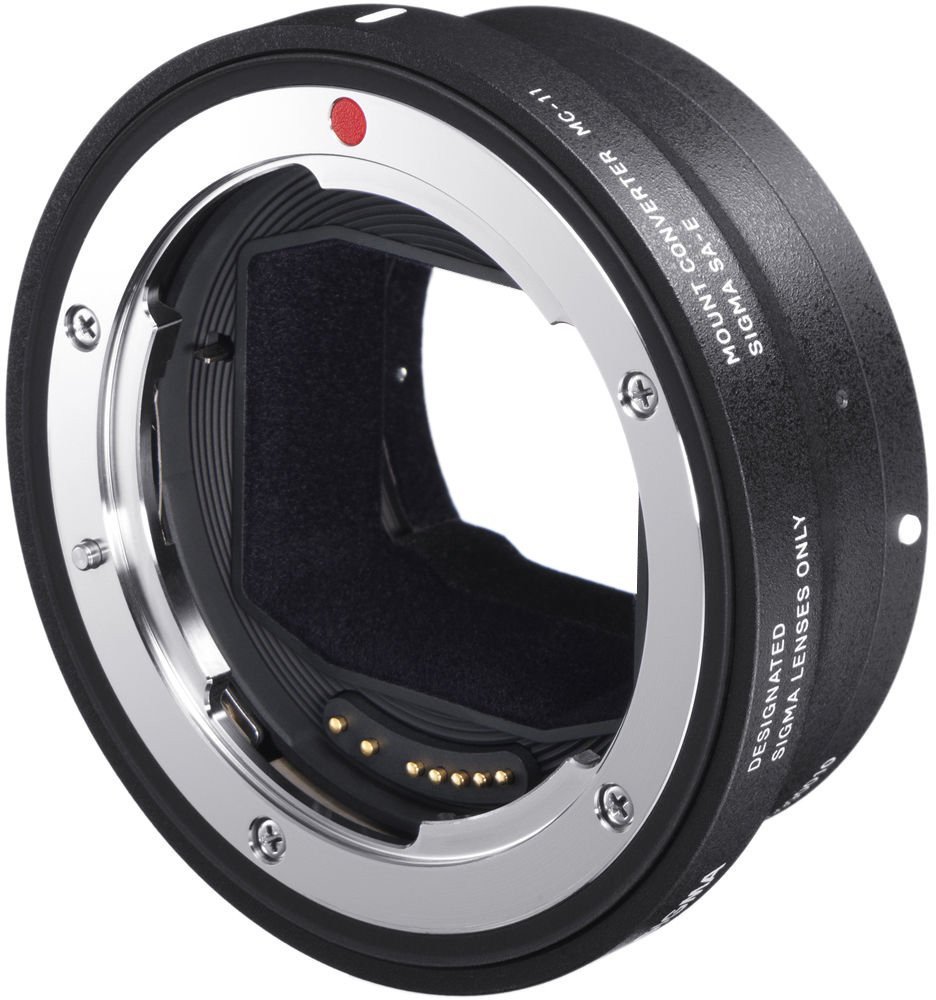
Sigma MC-11: B&H Photo / Amazon / Adorama
Firmware update for SIGMA MOUNT CONVERTER MC-11
Thank you for using Sigma products.
We are pleased to announce that the download of firmware for the SIGMA MOUNT CONVERTER MC-11 is now available.
The changes in this firmware are as follows:
【Applicable product and version】
- Sigma MOUNT CONVERTER MC-11 EF-E Ver.1.43
【Benefit of the update】
- Added support for the Sigma High Speed Zoom Line 18-35mm T2 for Canon EF mount, firmware Ver. 1.01.
- Added support for the Sigma FF High Speed Prime Line 35mm T1.5 for Canon EF mount, firmware Ver. 1.01.
- Improved a release time lag issue that occurs under specific settings during flash photography.
【Applicable product and version】
- Sigma MOUNT CONVERTER MC-11 SA-E Ver.1.28
【Benefit of the update】
- Fixed an issue where a release time lag occurs under specific settings during flash photography.
【How to update】
Connect the SIGMA MOUNT CONVERTER MC-11 to a computer with the included USB cable, then open SIGMA Optimization Pro*. If there is a newer firmware version available than the one currently installed on your converter, you will see the message ‘There is the latest firmware for the converter’. Click ‘Yes’ to update.
*Please be sure to update SIGMA Optimization Pro to the latest version when updating the MC-11 firmware.
【SIGMA Optimization Pro Download page】
https://www.sigma-global.com/jp/download/lenses/sigma-optimization-pro/
*Before attaching the updated SIGMA MOUNT CONVERTER MC-11 to the camera body, please remove the battery pack from the camera then reinsert.